Online School
New Year, Clean Slate: Hitting “Delete” on What Holds You Back

Read time: 5 minutes
You know that feeling when your phone has been running for weeks without a restart? It starts to lag. Apps crash. The battery drains fast. You tap the screen, and nothing happens for five whole seconds.
It’s annoying, but you don’t throw the phone away. You know it’s not broken forever. You just close the fifty tabs you have open, delete the apps you don’t use, and restart the system.
Your brain works the same way.
As we head toward January 1st, the pressure to set big “New Year’s Resolutions” is everywhere. But if you try to install a huge new goal like “Finish High School” onto a mental operating system that is cluttered with old doubts, bad habits, and distractions, the system is going to crash.
You don’t need a “New You” this year. You just need a reboot, a refresh that will help you start again.
Before you worry about adding anything new to your life, let’s focus on clearing out the cache. Here is how you can hit “Delete” on what’s holding you back and clear some space for your comeback.
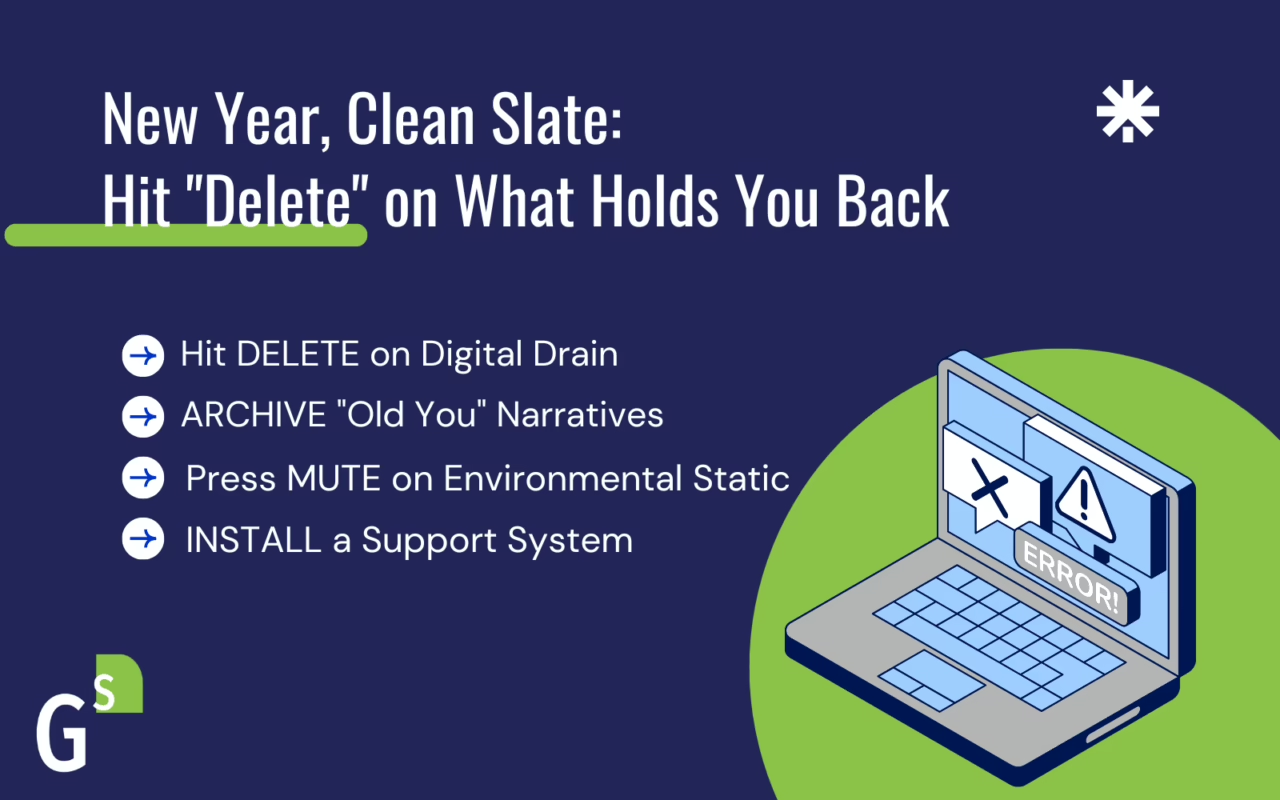
1. Hit DELETE on Digital Drain
Let’s start with the device in your hand. Your social media feed isn’t just entertainment; it’s a diet for your brain. If you spend three hours a day scrolling through accounts that make you feel bad or take your energy away, it will be harder to things that are productive. You are poisoning your motivation before you even get out of bed.
We call this “Digital Friction.” It eats up your bandwidth.
“Clean the Slate” Action:
This week, do a ruthless social media audit. Go through your “Following” list on TikTok and Instagram. Look at every account and ask one question: Does this make me feel capable, happy, or informed?
If the answer is “No”—if the account makes you feel jealous, anxious, or annoyed—hit Unfollow.
You aren’t just cleaning a feed; you are reclaiming your time. If you can save just 30 minutes of “doom scrolling” a day, that is 3.5 hours a week. That is enough time to finish an entire module in a Grad Solutions course.
2. ARCHIVE “Old You” Narratives
We all have files playing on a loop in the background of our minds. For many students who have stepped away from high school, these may sound like:
- “I’m just not a school person.”
- “I’m too far behind to catch up.”
- “I failed before, so I’ll probably fail again.”
Here is the truth: Those files are outdated. They might have been true three years ago when you were dealing with a different situation, different drama, or different teachers. But they are not compatible with your current software.
“Clean the Slate” Action:
When you hear that negative voice pop up, don’t fight it. Just acknowledge it as an “Old File.” Imagine literally dragging that thought into a folder marked “Archive: 2025 & Older.”
Remind yourself that you have lived life since you left school. You’ve gained skills, you’ve matured, and you’ve learned how to survive. You are upgrading your software, so the old bugs don’t apply anymore.
3. Press MUTE on Environmental Static
Have you ever tried to study when your room is a disaster, your laptop is at 4%, and you can’t find a pen? It feels impossible. This is “Physical Friction.”
Sometimes, we use a messy environment as an excuse to procrastinate. We say, “I’ll start working when I get organized,” but we never get organized, so we never start working.
“Clean the Slate” Action:
You don’t need a Pinterest-perfect study space. You just need to “Mute” the mess so you can hear your own thoughts.
- The 15-Minute Reset: Set a timer. clear off one flat surface—a desk, a table, or even just your side of the bed.
- The Power Hunt: Find your chargers now. Plug them in near your workspace.
- The “Do Not Disturb” Mode: When you sit down to work on your diploma, turn your phone face down or toss it onto the couch across the room.
When you remove the physical obstacles, you lower the barrier to entry. It becomes easier to just sit down and start.
4. Now INSTALL a Support System
Now that you’ve deleted the distractions, archived the doubt, and muted the mess, you have free space on your hard drive. What are you going to install?
A computer without software is useless. A student without support is vulnerable. The biggest mistake people make when returning to school is trying to “white knuckle” it alone.
“Clean the Slate” Action:
Install your upgrades.
- Stay Connected with Support: If you’re a Grad Solutions student, put your Mentor’s number in your phone contacts. Don’t leave it on a piece of paper you’ll lose.
- Set the Alarm: “Install” a routine. Set a recurring alarm for the same time every day simply labeled: “My Future.” Even if you only work for 20 minutes, that alarm reminds you of who you are becoming.
Pressing “Enter” on the New Year
A clean slate can feel scary because it’s blank. There are no instructions on it yet. But a blank screen is also the only place where you can write a new story.
You don’t have to wait for the ball to drop on New Year’s Eve to change your trajectory. You can start the reboot process today. Clean your feed, clear your mind, tidy the room, and get ready.
Your system is updated. Your support team is ready. Let’s log in and get this done.

Ready to Get Started?
It’s easy to get started with Grad Solutions. Connect with us to find out more. With free tutoring, mentoring, and many helpful resources, you’ll be on your way to earning your high school diploma!